Customer Relationship Management
Product-focused or customer-focused strategy? This question is critical for companies.
What are the advantages and disadvantages of the best CRM programs? Find the top 7 CRM software solutions and their key features in this comprehensive guide.
Today's best CRM programs collect customers from different channels on a single platform through intelligent software and offer the freedom to develop applications specific to each industry. You can find all these features and more in Planports CRM, one of the best CRM programs.
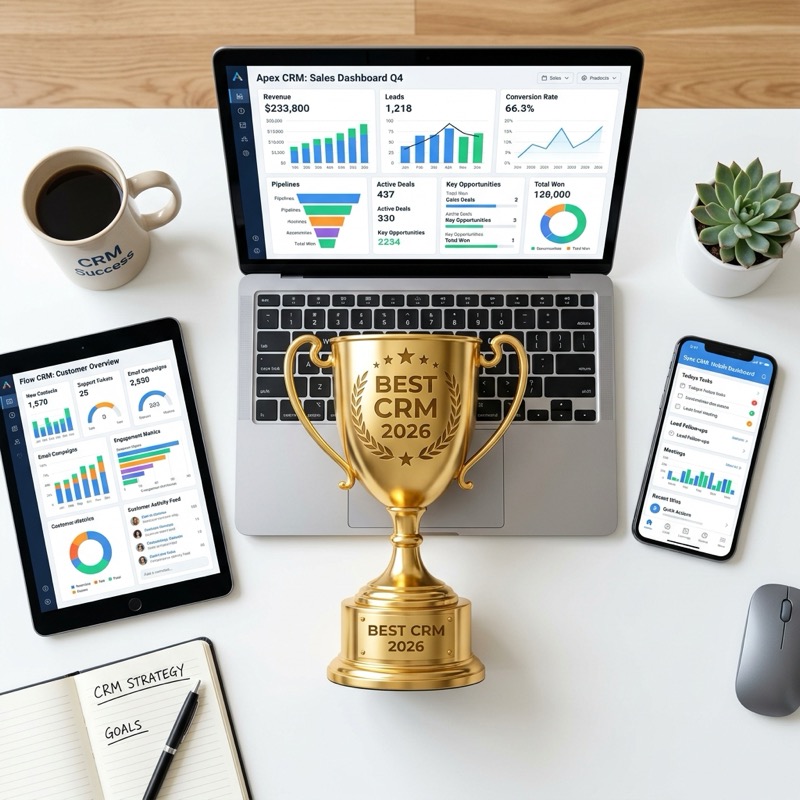
Customer relationship management programs help establish a special connection between businesses and customers by providing effective communication through their data pool. Customers' requests, previous purchases, or issues that arose can be instantly viewed, and more personalized and need-appropriate solutions can be offered immediately.
Opportunities lost through traditional methods are managed effectively through CRM programs. CRM is not just a simple data center — when used correctly, it is an indispensable tool for building strong bonds with customers and enabling businesses to grow.
Now let's take a closer look at Planports CRM and other CRM programs.

As one of the best CRM software, Planports CRM is an excellent choice especially for businesses that work ad-driven and want to convert leads into sales. As a fully cloud CRM software, it needs no installation and runs from any browser, so your team can manage sales from anywhere. To meet Planports CRM, contact us.

Salesforce Sales Cloud is a cloud-based, fully customizable CRM program that brings together reliable AI, data, analytics, and collaboration in a single integrated solution, deeply integrated into sales, service, marketing, commerce, and more. With Sales Cloud, you get access to all the necessary sales automation tools from a single point.
For a detailed analysis of Salesforce vs Planports for small businesses, read our Planports vs Salesforce: Best Salesforce Alternative for SMBs comparison guide.
Zoho CRM software brings all features together in a single package. With a real-time notification system, it promises reaching customers via email, phone, social media, and live chat. The free CRM plan is popular among new businesses looking for a free way to track leads and manage contacts easily. AI-powered Zoho CRM offers seamless integrations with Zoho tools and third-party applications.
A CRM program consisting of multiple tools and hubs that can be purchased separately or together. HubSpot's CRM is free and comes with various tools including live chat, dynamic lists, lead capture forms, and email marketing. However, you'll need to add one or more paid versions of tools known as 'hubs' based on your needs.
For a more detailed analysis of how HubSpot compares to Planports, read our Planports vs HubSpot: The Best HubSpot Alternative comparison guide.
Pipedrive CRM promises to focus on the right customer with automated sales correspondence and AI-powered commands. It provides detailed real-time sales reports and promises to help make quick, data-driven decisions with forecasting, goal setting, team monitoring, and advanced sales metric tools.
For a detailed comparison of Pipedrive vs Planports, read our Planports vs Pipedrive: Best Pipedrive Alternative for Sales Teams comparison guide.
Microsoft Dynamics CRM stores all customer interactions in a high-performance SQL CRM database shared across the company and manages sales, marketing, customer service, and support, integrated with Outlook and Microsoft Office 365.
Freshsales is a CRM platform developed by Freshworks. It aims to simplify sales processes, improve customer relationships, and increase efficiency for small, medium, and large-scale businesses.
📚 Want to learn how AI is transforming CRM? Read our comprehensive guide: What is AI-Powered CRM? 2026 Guide for Small Businesses

Product-focused or customer-focused strategy? This question is critical for companies.

Don't know what CRM stands for or why you need it? You're not alone.

CRM programs are among the most preferred tools for sales team management.